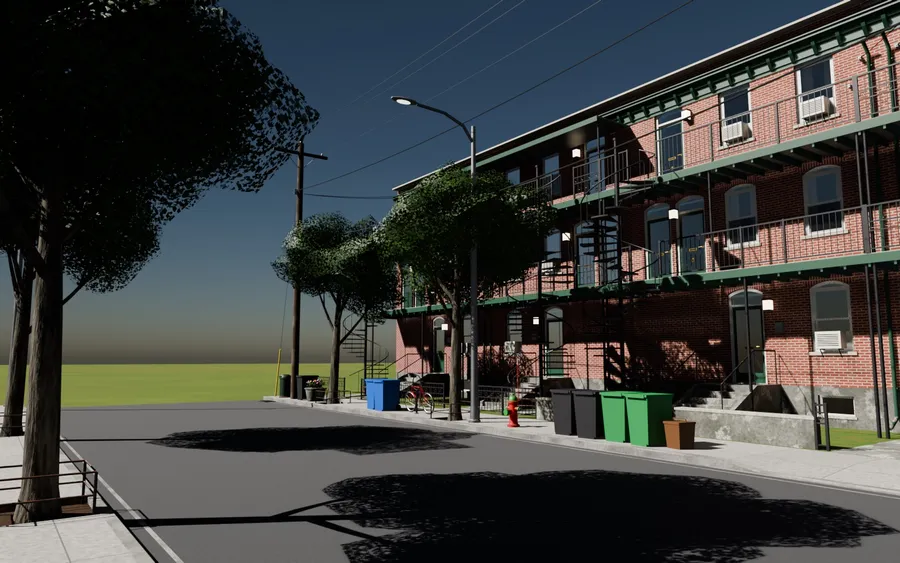
Lab · Blender add-on · Geometry Nodes
Model to Point Cloud Generator
A Blender add-on that turns a model, a collection or a whole scene into a live point cloud. Edit the house and the cloud follows; every setting can be animated.
- Software
- Blender 4.5
- Engine
- Geometry Nodes
- Presets
- 8
- License
- GPL-3.0
- Reading
- 4 min
The brief fit in one sentence: “a Blender add-on that takes a model or a whole scene and turns it into a point cloud, with lots of settings you can tweak live”.
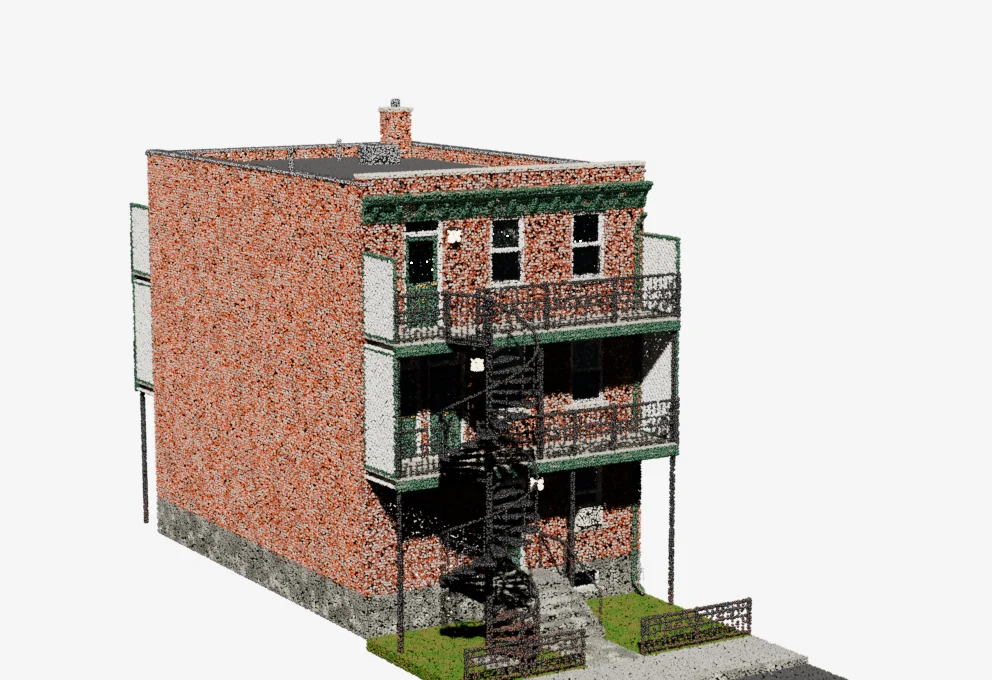
The cloud above comes straight out of it: 324,007 points in the LiDAR preset, exported by the add-on from a house made with my other generator, Montreal House Generator, then displayed here in WebGL.
Log 01 / 05
All in nodes
A single node group does all the work. Python only orchestrates: creating the object, handling materials, export and the interface.
There were two possible approaches: compute the cloud in Python with numpy, or build it in Geometry Nodes. The “tweakable live” requirement settled it.
| Python + numpy | Geometry Nodes | |
|---|---|---|
| Computation | once, on click | on every change, in multithreaded C++ |
| Live settings | recompute everything in Python | native: a modifier input |
| Animation | no | every setting can be keyframed |
| Follows the source | no | yes, editing the house updates the cloud |
- ~150
- Nodes in the main group.
- 37
- Modifier inputs, all adjustable live.
- 4
- Sampling methods: surface, even surface, vertices, volume.
I could have drawn the group by hand and shipped it in a .blend file. I built it in code instead: every node change becomes a line in a commit, the group rebuilds itself when its version changes, and a small builder turns node construction into formulas.
# Instead of 6 lines per Math node (new, operation, inputs, links…):
density = b.math('MULTIPLY', b.math('MINIMUM', b.inp("Density"), surface_cap), viewport)
axis_t = b.math('DIVIDE', b.math('SUBTRACT', proj, axis_min), axis_len)Log 02 / 05
Grey points
The first test on the house ran without a single error. And every point was grey.
The goal sounded simple: the cloud of a brick house should look like a brick house. It took more iterations than anything else, because every blocker came from an API behaviour the documentation doesn’t mention.
- 01
Slots ignored
A point cloud produced by a modifier ignores the object’s material slots. The material has to be set inside the nodes, with Set Material.
- 02
Implicit UVs
An image texture with no Vector input reads the “default UV”, which doesn’t exist on points. The UVMap attribute is there, though: it just has to be read explicitly.
- 03
Lost index
Sampling drops material_index but carries face attributes. So a small modifier tags every face with its material index beforehand.
- 04
One material only
In Blender 4.5 a point cloud carries a single material. The fix: one point cloud per material, output as instances, each with its own point-ready copy.
# 3 point groups, 3 different Set Material nodes, then Join Geometry
print([m.name for m in pointcloud.materials]) # → ['C']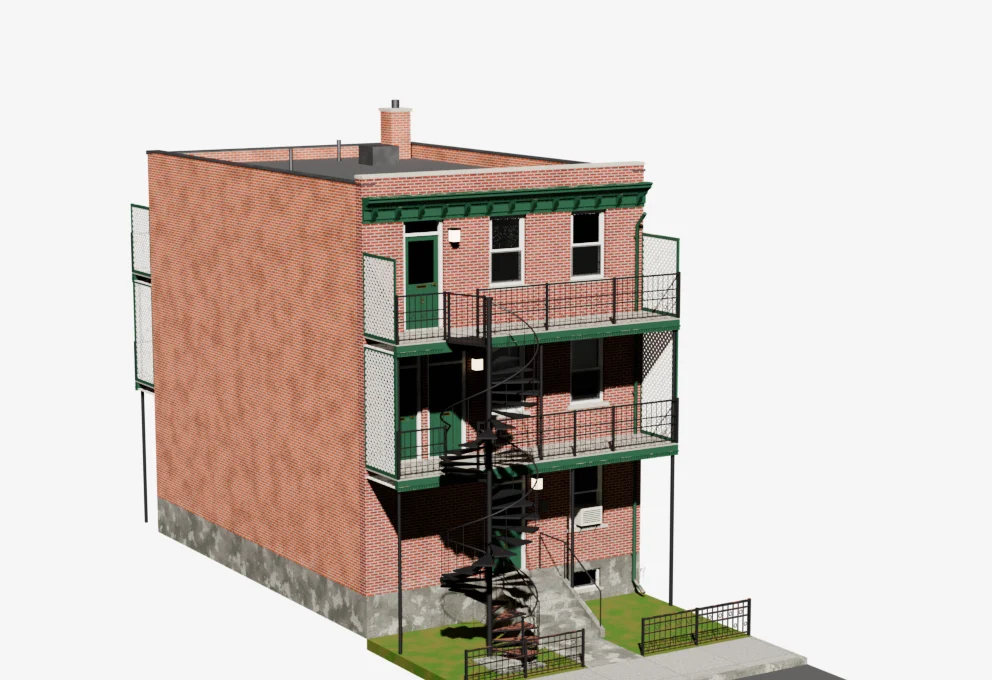 ModelPoint cloud
Log 03 / 05
The district
What works on a two-metre object breaks on a hundred-and-sixty-metre district.
At 2,000 points per square metre, a district would exceed a hundred million points. So the Max Points input caps the density right inside the nodes, from the total face area.
But a cap spreads points apart, and a fixed radius can’t keep up: on the house, 3 mm gives tiny points and a cloud that fades away. Auto Radius computes the actual spacing between points and derives their size from it.
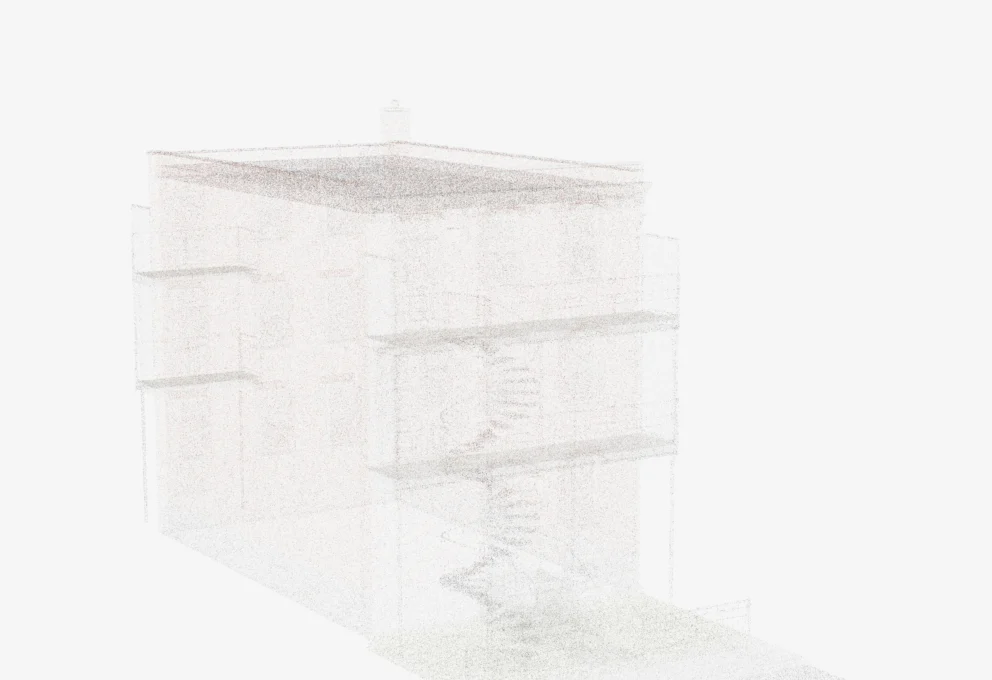 Fixed radius · 3 mmAuto Radius
- 313
- Meshes in a generated district block.
- 234
- Materials, all carried onto the points.
- 3,5 M
- Points for the whole district.
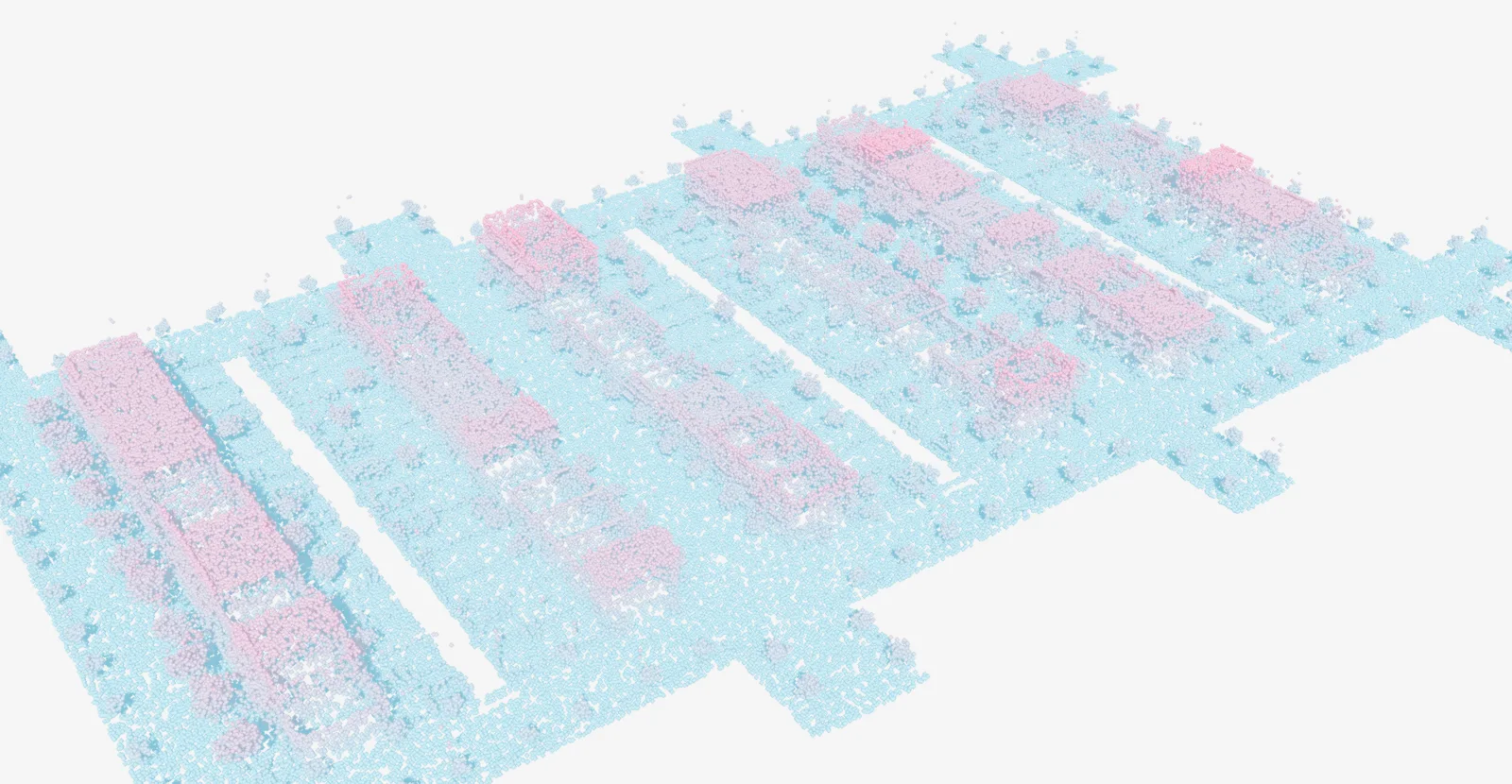
| House | District | |
|---|---|---|
| Meshes / materials | 10 / 33 | 313 / 234 |
| Cloud creation | 1 s | 21–52 s |
| Evaluation | 0.4 s for 1 M points | 11 s for 3 M points |
| First EEVEE render | 9 s | 80–240 s |
Log 04 / 05
Eight looks
A preset should describe a look, not a size. Everything that depends on scale is relative to the scene.
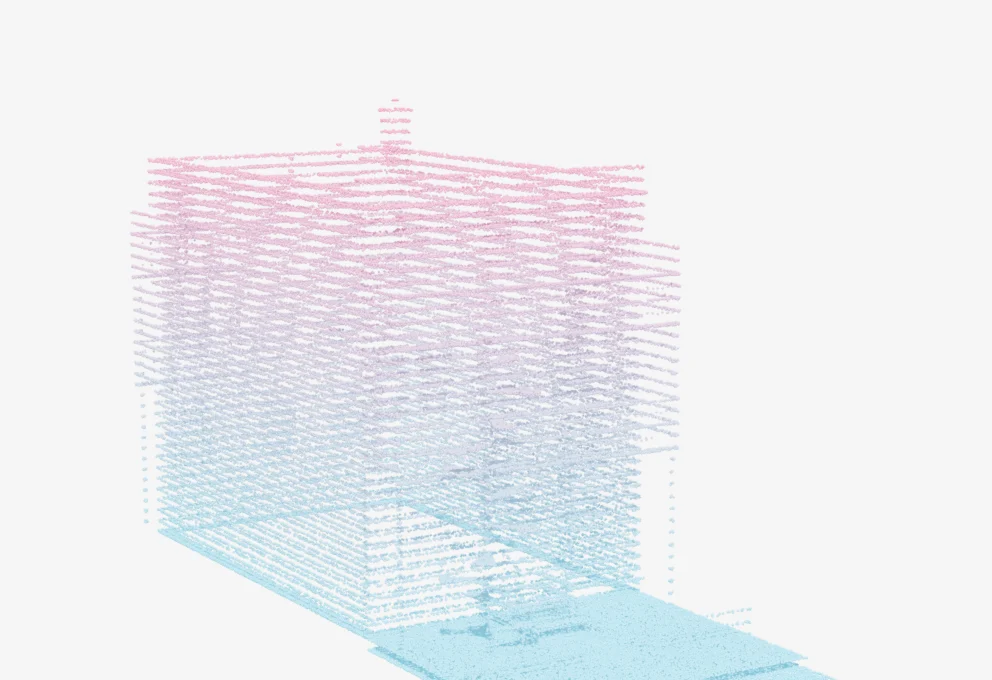
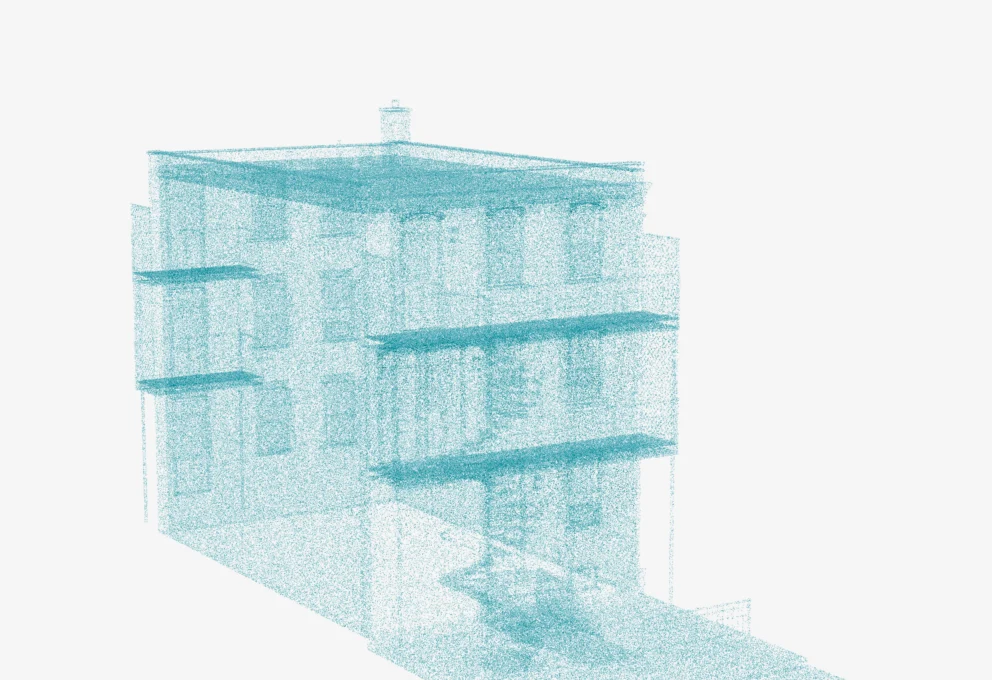
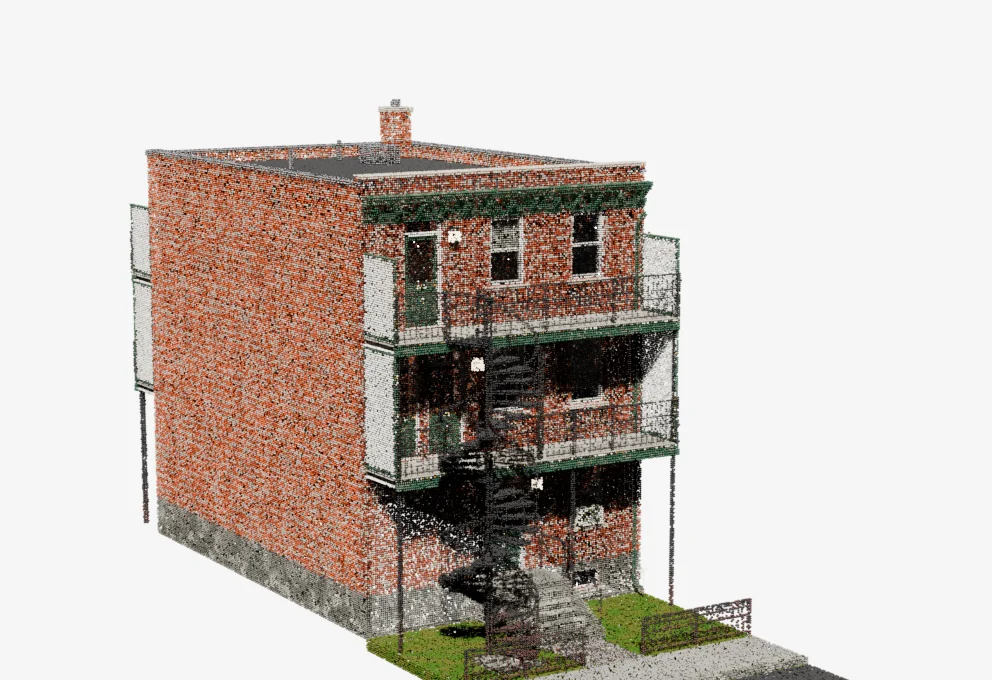
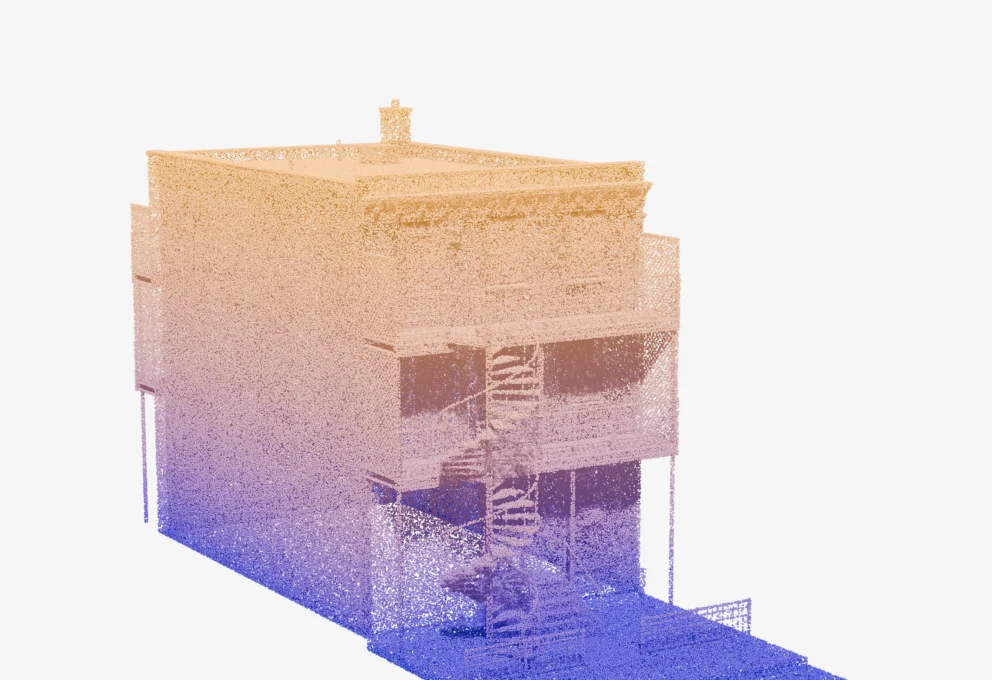
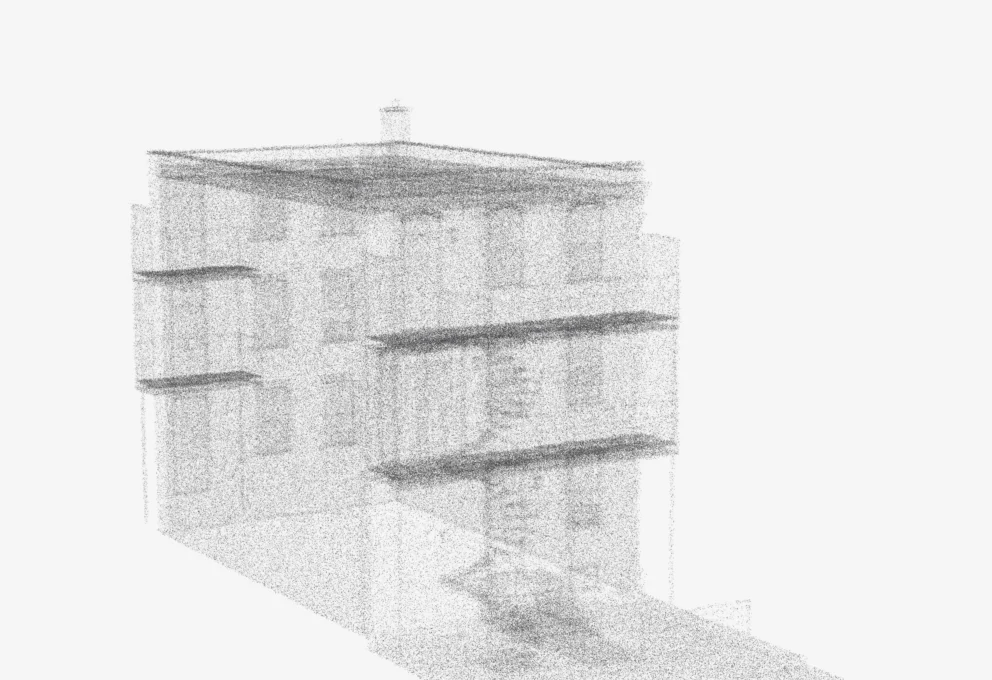
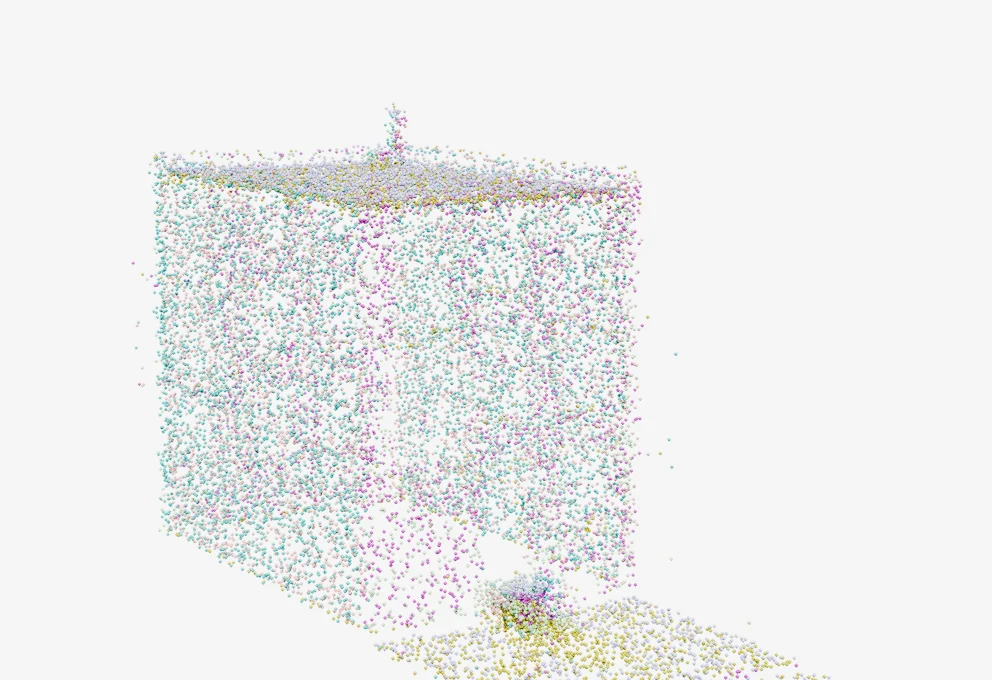
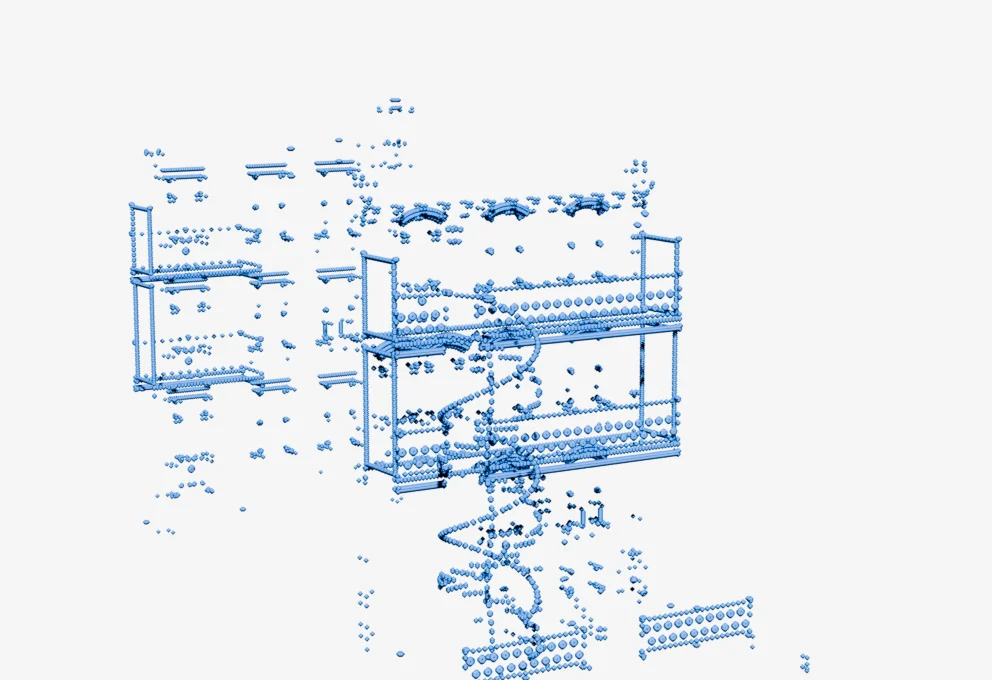
Dense, evenly spaced points with the source materials.
Fig. 04The eight presets, rendered by the add-on on the same house and from the same camera.
On top of the presets come animatable effects. Reveal builds the cloud along an axis, with a noise-broken edge; the same principle builds the house at the top of this page. 4D noise makes points ripple without sliding, scan lines slice the scene, and the voxel grid gives it a video game look.
t = (proj − min) / (2 · h · |n|)        ∈ [0, 1]   // position along the axis
delete if  t·(1 − r) + noise·r > Reveal              // r = Reveal Noise
Log 05 / 05
The tool
A panel in the viewport, and a method: never guess, always measure.
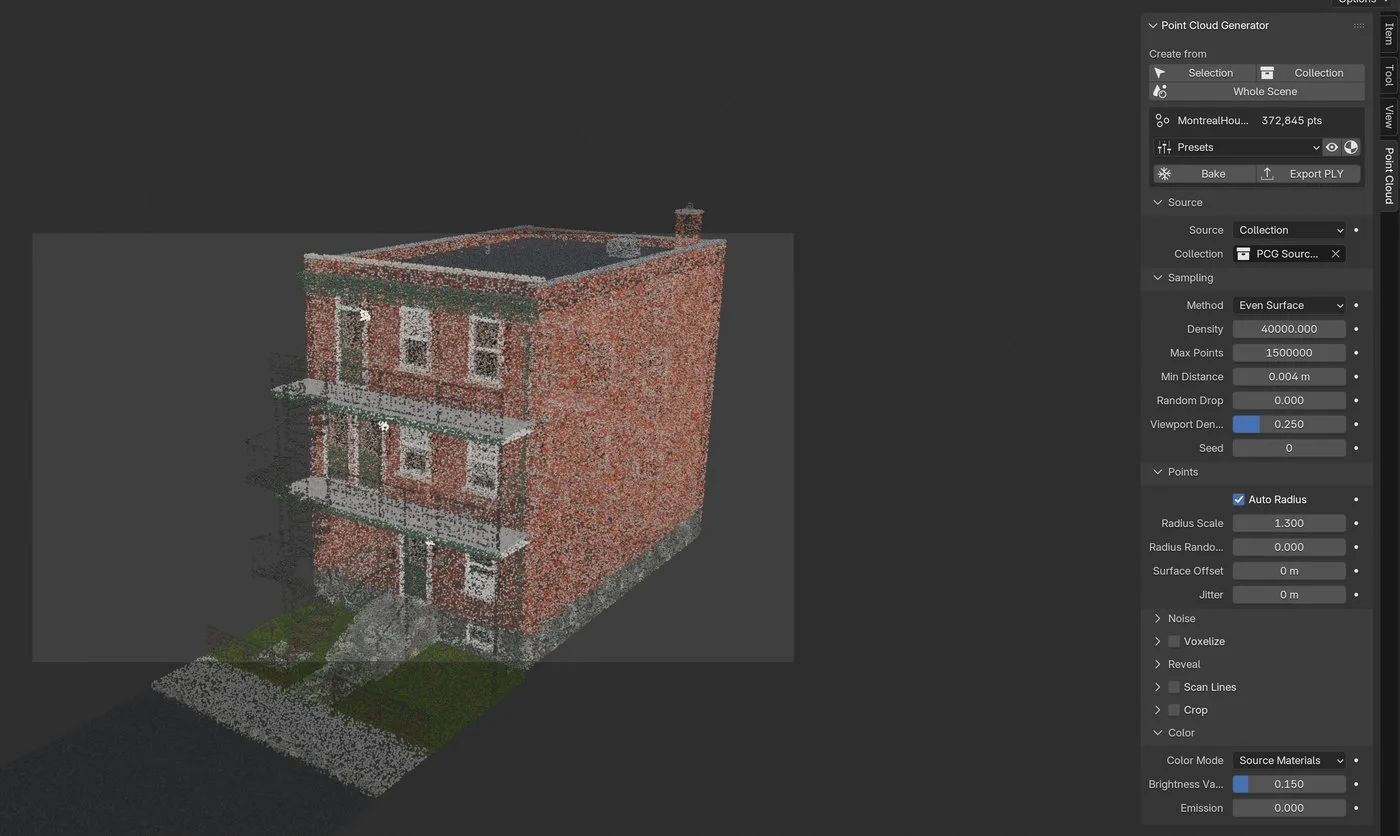
Everything is set from the Point Cloud tab in the sidebar. The panel is drawn from the same table as the node group: adding an input makes it appear in both places.
Create from
Start from a selection, a collection or the whole scene. Selecting a generator’s parent brings its whole hierarchy along.
Presets · Bake · Export PLY
Presets reset the look, never the source or the point cap. Bake freezes the cloud into real Point Cloud objects, Export PLY writes it as coloured binary: a million points in under a second.
Sampling
Method, density, cap, minimum distance. The viewport only shows 25% of the points by default: you work on a light preview, the render uses them all.
Auto Radius
The checkbox that saved the district. Irrelevant fields hide depending on context: Radius only appears when Auto Radius is off.
Voxelize · Reveal · Scan Lines · Crop
The effects, collapsed by default, with their checkbox right in the panel header. Every value is a modifier input, so it can be keyframed.
All development happened headless, with a simple loop: a twenty-line probe that asks the API a single question, the code, a render, and looking at the render. Half the bugs in this project came from undocumented behaviours no amount of reading would have revealed.
- 01
Measure
A twenty-line probe reveals in seconds what the docs don’t say.
- 02
Look
“It doesn’t crash” never meant “it works”.
- 03
Think relative
Caps, radii and spacings derive from the scene, never from hard-coded values.
- 04
Break nothing
Material copies, a tagging modifier: everything is additive and reversible.
- Project
- Personal
- Compatibility
- Blender 4.5+ · Cycles · EEVEE
- Tested on
- Montreal House Generator
- License
- GPL-3.0-or-later
- Geometry Nodes
- Python
- numpy
- PLY
- Headless rendering